
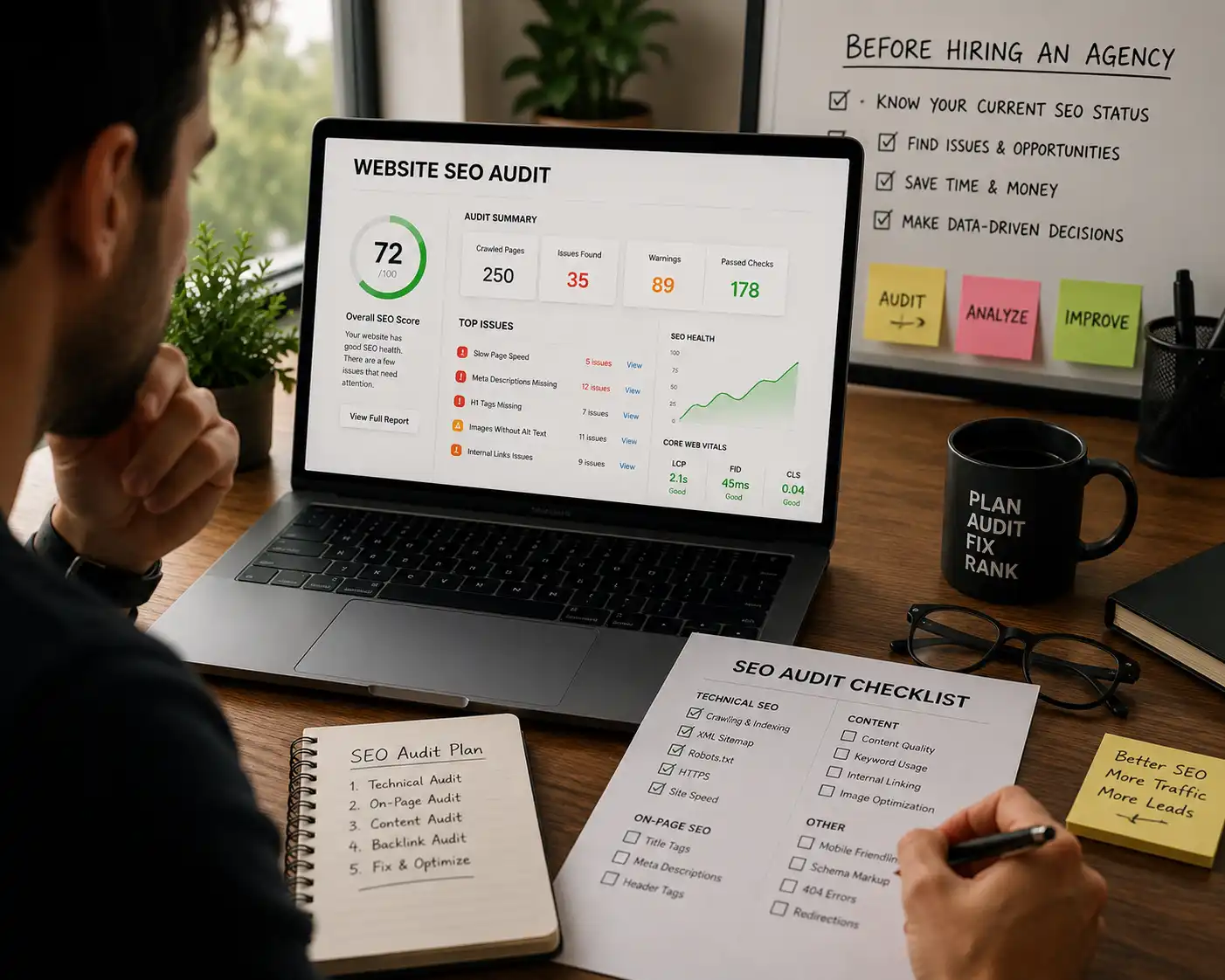
If your website is not getting enough organic traffic, qualified leads or sales from Google, you may be asking yourself:
Before signing a long-term contract with an agency, you can perform a basic website SEO audit yourself.
You do not need to be a technical expert. With a few free tools and straightforward checks, you can identify issues with site speed, indexing, broken links, metadata, keywords and mobile usability.
This DIY audit will not replace a professional technical audit, but it can help you understand your website's biggest problems before investing in professional SEO or website development.
What Is a Website SEO Audit?
A website SEO audit is a systematic review of your website to find technical, structural and content-related issues that may prevent search engines from crawling, indexing and ranking your pages effectively.
A complete audit can examine:
Technical SEO
Check whether search engines can crawl and understand your important pages.
On-Page SEO
Review titles, descriptions, headings, keywords and page structure.
Content Quality
Make sure your content answers the questions your audience is searching for.
Website Speed
Identify performance problems that can affect visitors and search visibility.
Internal Linking
Check whether important pages are naturally connected across your website.
Mobile Experience
Make sure your website is easy to use on smartphones and smaller screens.
You do not need to start with the most complicated technical issues.
Start with the fundamentals and identify the biggest problems first.
Check If Google Has Indexed Your Website
Before worrying about backlinks or keyword rankings, make sure Google can actually find your important pages. If your pages are not indexed, they have little chance of generating organic traffic.
The quick Google indexing check
Search Google using:
Replace the domain with your own website. Then check whether your homepage, important service pages and key blog pages are appearing.
What should you verify?
- • Your homepage appears in Google.
- • Important service pages are indexed.
- • Important blog posts are discoverable.
- • Duplicate or staging pages are not appearing.
- • Important pages are not accidentally blocked.
Test Website Speed and Core Web Vitals
Website performance affects user experience and can influence how easily visitors interact with your pages. A slow website can also reduce conversions.
Start by checking your important pages with Google PageSpeed Insights and pay special attention to mobile performance.
Measures how quickly important visible content loads.
Measures how responsive your website feels to users.
Measures unexpected layout movement while a page loads.
Common speed problems to look for
Do not audit desktop only
Many potential customers visit your website from smartphones. Test important pages on mobile and ask whether the page is fast, readable and easy to use.
Find Broken Links and 404 Errors
Broken links create dead ends for visitors. A user may click a link expecting useful information and instead reach a 404 Not Found page.
Check your internal links too
Internal links help visitors discover related pages and help search engines understand your website structure. For example, content about marketing can naturally link to your social media marketing services, branding services or website development services.
Review Page Titles and Meta Descriptions
Every important page should have a clear and relevant title tag and meta description. These elements help search engines and users understand what the page is about.
Home | ABC Company
SEO Services for Small Businesses | ABC Company
Metadata audit checklist
Audit Keyword Targeting and Search Intent
A technically healthy website can still struggle if it targets the wrong search terms or does not match what users actually want to find.
Ask these four questions
Does each important service have a dedicated page?
Does each page focus on one clear topic?
Does the content match what the searcher actually wants?
Are you targeting keywords that could bring relevant customers?
Your keywords should connect naturally with the services you actually offer. For example, a business running paid campaigns can link visitors to dedicated Google Ads and Meta Ads services instead of sending everyone to a generic homepage.
Review Content Quality and User Experience
Read your homepage and important service pages like a first-time visitor. Within a few seconds, can someone understand what your business does and what they should do next?
What does this company do?
Who does this business help?
What outcome or service is being offered?
Why should a customer trust this business?
What action should the visitor take next?
Red flags to clean up
DIY SEO Audit Checklist
Save this checklist and work through your website before interviewing an agency.
Why SEO Should Work With Your Digital Marketing Strategy
SEO should not exist separately from the rest of your digital strategy. Your website, brand, content, social media and paid campaigns should work together to improve visibility and conversions.
Organic Growth
SEO helps potential customers discover your website through relevant searches and useful content.
Explore Website Development →Brand and Audience Growth
Social content and a strong brand can support awareness and bring more relevant visitors to your website.
Explore Social Media Marketing →Audit First. Hire Smarter.
A DIY website SEO audit will not replace a complete professional audit, but it can help you identify obvious problems and understand where your website needs attention.
Start with indexing, performance, broken links, metadata, keywords and content quality. Once you understand the basics, you will be in a stronger position to decide what kind of professional support your business actually needs.
Ready to Find What's Holding Your Website Back?
Get expert help with your website, digital strategy, branding, social media and performance marketing.